
Gmail AI Upgrade: Gemini Features Explained (What 2 Billion Users Must Know)

Gmail AI Upgrade: Gemini Features Explained (What 2 Billion Users Must Know)
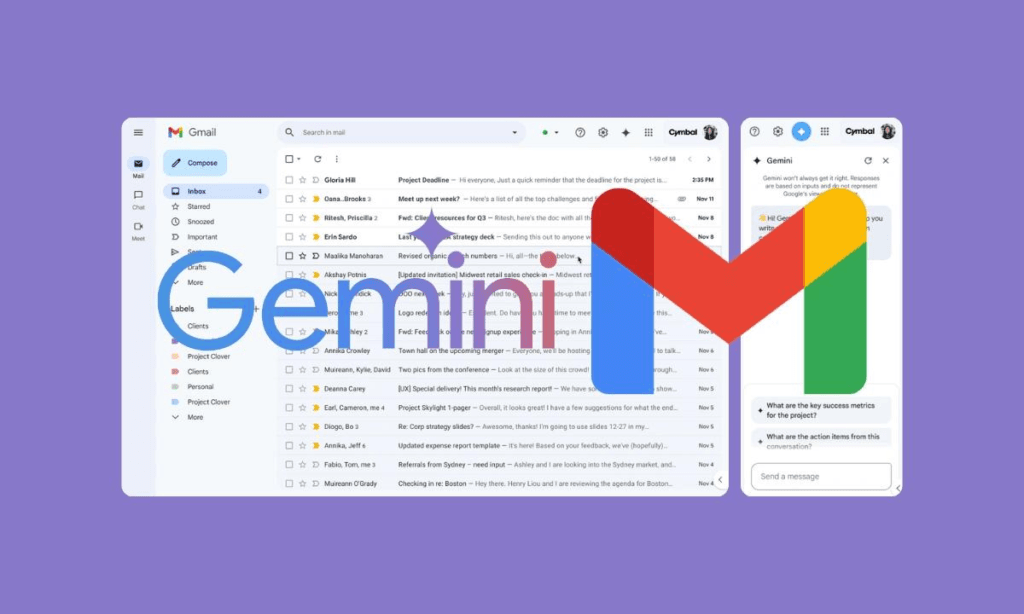
The latest update from Google is changing how we use email forever. With the integration of Gmail and Gemini AI, over 2 billion users are about to experience a smarter, faster, and more automated inbox.
But here’s the real question — is this upgrade all about convenience, or should you be paying closer attention to your privacy and settings?
Let’s break it down in a simple, practical way 👇
✨ What is Gmail AI Upgrade with Gemini?
The new Gmail AI upgrade introduces Gemini AI directly inside your inbox. This means your email is no longer just a communication tool — it becomes an intelligent assistant.
With Gemini AI, Gmail can now:
- ✍️ Automatically write emails for you
- 📄 Summarize long email threads
- 📂 Organize and prioritize inbox
- 💡 Suggest smart replies based on context
In short, Gmail is moving from “manual emailing” to “AI-powered communication.”
🤖 How Gemini AI Works Inside Gmail

7
Gemini AI acts like a personal assistant inside Gmail.
For example:
- You receive a long email → AI gives you a quick summary
- You need to reply → AI drafts a professional response
- Your inbox is messy → AI organizes emails automatically
It understands context, tone, and intent, making communication faster and smarter.
⚠️ Why You Should Act Now
Here’s the part many users are ignoring…
👉 These AI features may be enabled by default for many users.
That means:
- AI might already be accessing your email content (for processing)
- You may be using features without even realizing it
- Turning them off later might not be straightforward
✔️ What You Should Do:
- Check Gmail settings immediately
- Review AI feature permissions
- Customize what AI can and cannot access
Being proactive now can save you from privacy concerns later.
🔐 Privacy Concerns: Should You Be Worried?
Whenever AI interacts with personal data, privacy becomes a big topic.
Google has clarified:
- Gemini AI does not store your personal emails permanently
- Data is used temporarily to generate responses
However, let’s be realistic —
Your emails often contain:
- Personal conversations
- Financial details
- Business data
Even temporary access can feel uncomfortable for many users.
👉 If you deal with sensitive or confidential emails, it’s better to carefully manage AI permissions.
🚀 Benefits of Gmail AI Upgrade
Despite concerns, the advantages are hard to ignore:
⏱️ 1. Saves Time
No more typing long emails — AI drafts them instantly.
📊 2. Boosts Productivity
Summaries help you understand emails quickly without reading everything.
🎯 3. Better Email Management
Smart sorting keeps your inbox clean and organized.
💼 4. Professional Communication
AI-generated replies sound polished and well-structured.
⚡ Recent Gmail Issues (And What It Means)
Alongside this update, some users experienced delays in sending and receiving emails.
Although Google resolved the issue quickly, it highlights one thing:
👉 We are heavily dependent on Gmail.
Any change — especially AI integration — has a massive impact on daily communication.
📌 Final Thoughts: Is Gmail AI Upgrade Worth It?
The Gmail AI upgrade powered by Gemini is powerful, futuristic, and incredibly useful.
But it’s not something you should ignore.
👍 Use it if:
- You want faster email handling
- You deal with high email volume
- You need quick summaries and drafts
⚠️ Be cautious if:
- You handle sensitive information
- You value strict data privacy
- You prefer manual control
The Gmail AI Upgrade is not just a feature update — it’s a shift in how we communicate digitally. Whether you embrace it or limit it, one thing is clear:
👉 Email is no longer just email — it’s becoming AI-driven.





Leave a Reply